
This is part two in a three-part series on finding INSIGHTS into your performance, centered around the idea of “pacing”. Come discover how Revenue per Available Night (RevPan) can make a difference for your vacation rental portfolio.
Last week we analyzed pacing for summer by looking at occupancy and ADRs, as well as the impact of recent bookings and the trends they held. This week we want to drill down on what we do after we notice a trend, and how to spot the listings that need our attention in a quick and efficient manner.

With summer booking up so fast, we can take a look at the same account as last week and see how we’re faring. Even at a high level glance we can see that this year we are already similar to 2020’s level of occupancy for June, even though it remains three months away and only slightly below how 2019 ended up.

Be On the Lookout for Dips: RevPan
While the overall pacing and bookings for summer may be on track, it’s easy to spot that quick dip in occupancy for June 3rd and 4th above, circled in red. This is even more pronounced when looking at adjusted Revenue per Available Night (RevPan). Even though it’s only a few days, we are expecting a very busy high season (as we have already reached 2020 levels) and a few additional days at higher ADRs can really make property managers, and especially owners, very happy.
Leverage the Tools at Your Disposal
Using the Beyond's Lens view, we can select that troubled time period to see at the listing level the revenue, ADR, and Occupancy, and we can then compare it to last year. In our case, it‘s incredibly useful to see which listings have $0 revenue for that time period so that we can address it ahead of time.

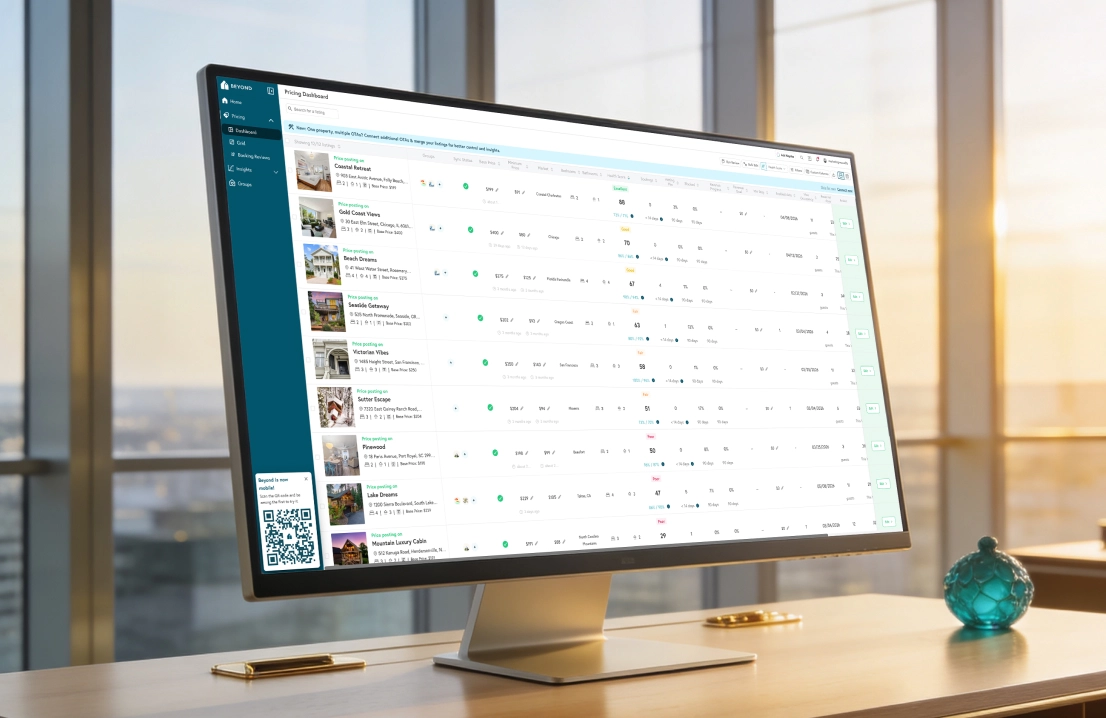
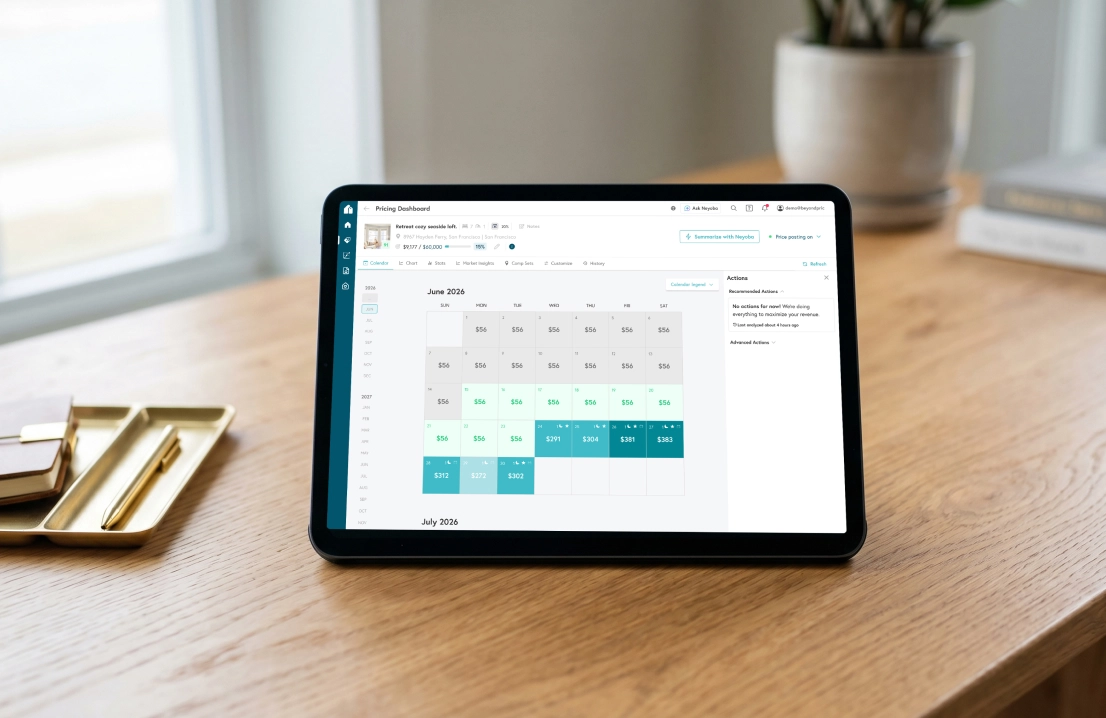
Now that we are aware of the issue and the listings contributing to it—what now? With an integrated data and pricing tool, we can simply click on the listing link to go directly to that listing’s pricing page for further analysis and quick action. Alternatively, if you’re managing a large amount of properties, you can leverage the bulk actions feature to lower the price of this period (and increase occupancy and revenue) for all listings with just a few clicks.
What Goes Down Can Also Go Up
While this example shows how pacing data can be used to identify date ranges that may need price decreases, the same data can be used to spot when demand is higher than usual and prices can likely be increased. Any date ranges that are pacing quickly against historical booking pace can be increased to help regulate booking pace back to normal while driving ADRs at the same time.

Utilizing your own property’s pace data is a great way to proactively manage the revenue of your listings and maximize booking potential. Now that you know how to analyze your portfolio and listing over time, tune in next week to learn how to be an expert at comparing your performance to the market!
Come see how Insights can work for you.